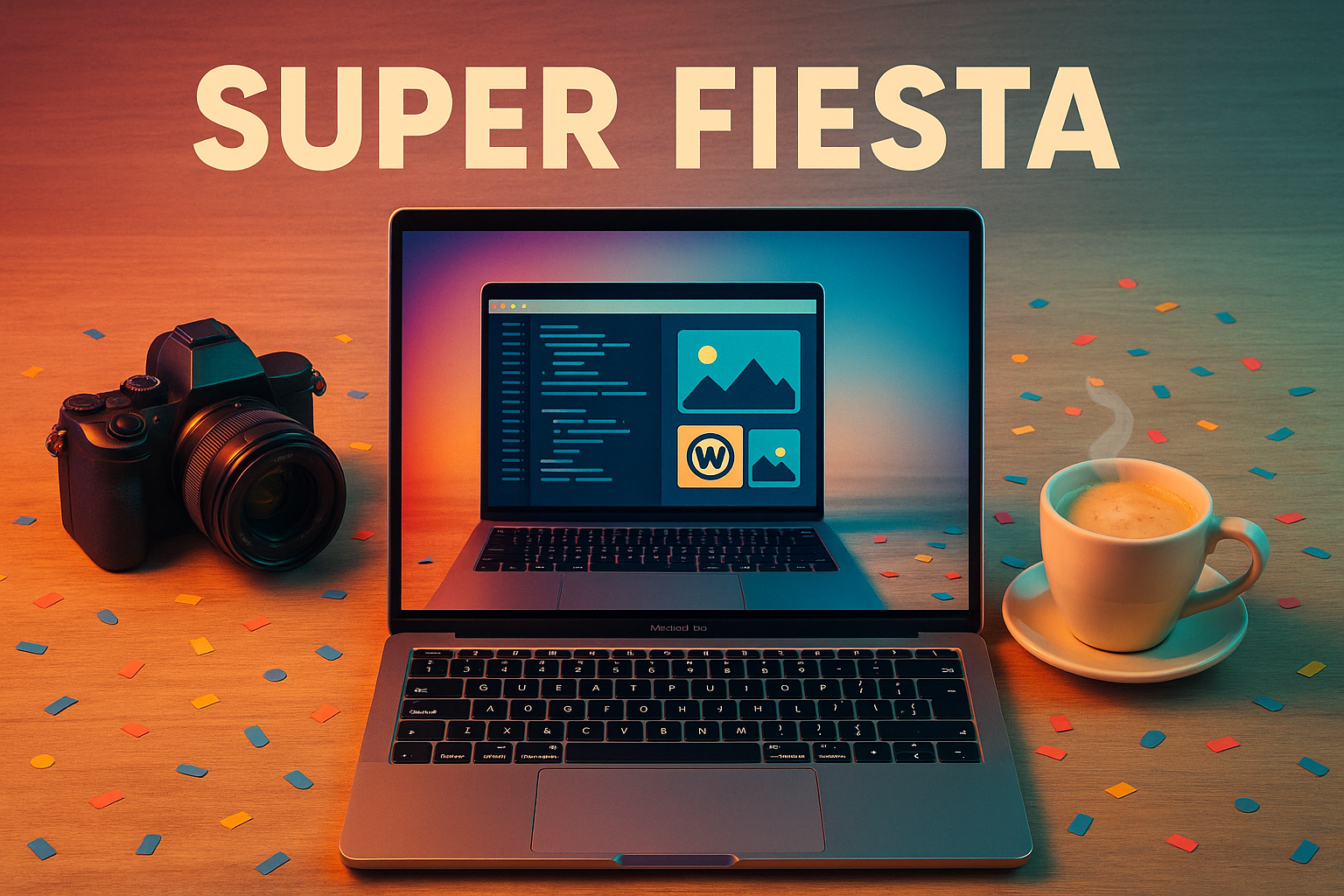
Super Fiesta
A Python tool that transforms party photos into perfectly square, Instagram-ready images with professional watermarking and intelligent batch processing. Built with AI assistance for just $5, it replaces heavyweight GUI tools like Photoshop macros and Squash with a lightweight CLI that handles resiz

The Challenge
Every party left me with hundreds of pictures that were too heavy, not square, unbranded, and badly named. I spent more time juggling Photoshop actions and Squash than enjoying the memories. My tiny Python script—hacked together in an afternoon and inspired by @roast.london.roast's clean aesthetic—only did basic resize and... that was it.
What Super Fiesta Does
- Smart Resizing to 1080×1080px squares, centers photos, fills backgrounds
- Batch Processing entire folders with optional macOS tag filtering
- Adjustable Quality JPEG compression settings
- Professional Watermarking - PNG overlay with size, position, opacity, and margin controls
- Intelligent Renaming - Original, sequential, or Event-Date patterns with conflict detection
- Persistent Configuration via
sf_config.ini - User-Friendly CLI with input validation and progress tracking
AI-Assisted Development
I'm not a full-time Python dev; I wanted to move fast, stay clean, and learn along the way. Claude Code bills per token, so with focused prompts I:
- Rewrote the README to be genuinely onboarding-friendly
- Hardened the script with proper error handling, RGB/quality checks, and context managers
- Implemented watermarking end-to-end with flexible positioning
- Added pattern-based renaming with preview and conflict detection
Total cost: ~5,800 tokens ⇒ ~US $5
Key Features Deep Dive
Professional Watermarking
- Six preset positions (corners, centers, sides)
- 1-50% size scaling relative to image
- 10-100% opacity control
- Configurable margins
- Default: bottom-center at 14% opacity
Smart Batch Renaming
- Original: Keep existing names
- Sequential:
Party_001,Party_002, etc. - Event-based:
Birthday_2025-08-07_001with auto-dating - Preview mode with conflict detection
Technical Highlights
- Proportional scaling preserves aspect ratios
- Background fill for non-square images
- macOS tag integration for selective processing
- Robust error handling prevents batch crashes
- Configuration persistence saves your preferences
Working with AI
The development experience was:
- Iterative prompting - start with context → ask for a plan → zoom into code
- Git co-authoring - each commit clearly co-signed for traceability
- Security awareness - Claude flagged unvalidated inputs and proposed tested fixes
- Cost efficiency - pay-as-you-go beats monthly subscriptions for small OSS bursts
Impact & Usage
Super Fiesta now completely replaces my Photoshop macro workflow and Squash GUI for event photography. What used to take 30+ minutes of manual processing now happens in seconds with a single command:
python sf.py /path/to/photos --watermark logo.png --rename event
Open Source & Future
The project is fully open source under MIT license. Planned features include:
- Tiny Tkinter GUI for non-CLI users
- Windows support expansion
- Multi-format output options
- Custom dimension presets
Perfect for event photographers, social media creators, and anyone who wants Instagram-ready photos without heavyweight tools.